Keep athletes performing at their best.
Objective athlete monitoring insights that support performance, recovery and workload management throughout the season.
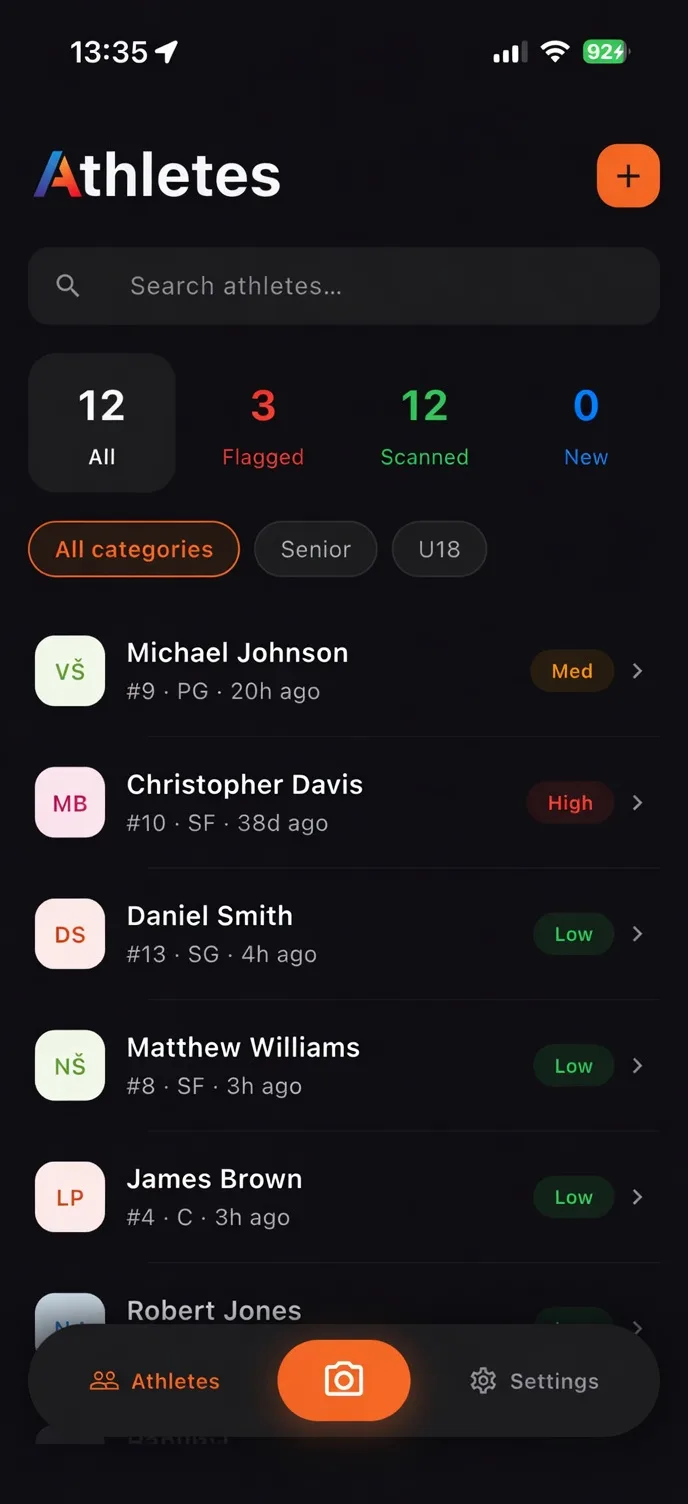
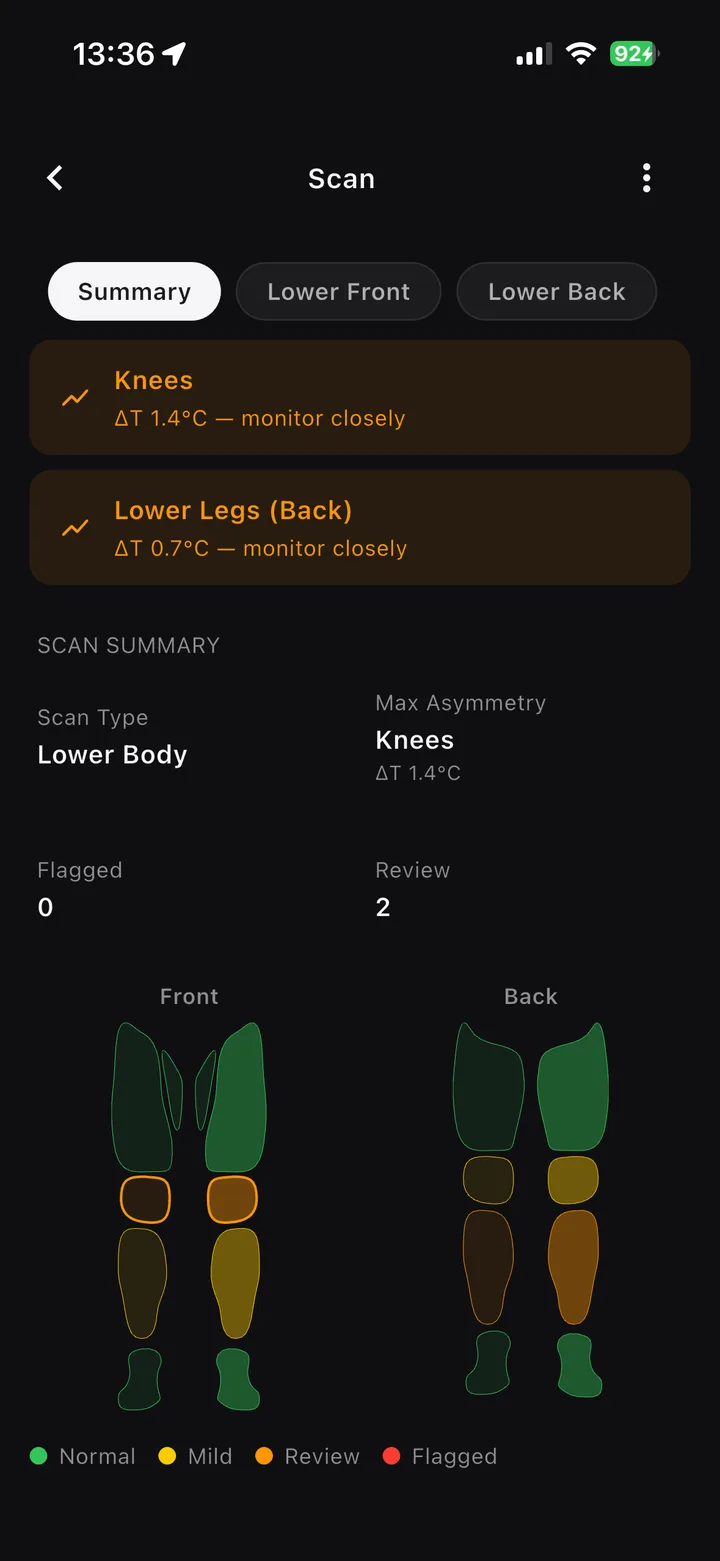
Capture. Analyze. Decide.
One quick scan gives your team a clear, shared view of the athlete.
Guided capture
Every scan follows the same protocol, making results from different days directly comparable.
Region by region
Each scan is split into anatomical regions and compared left against right. Clear, review, or flagged. One label per region.
Report everywhere
Tap through the body map on the iPad, or export a PDF for the coach. Same scan, two formats.
Everything your staff needs, in one place.
From the morning roster to a single region's trend — one quick scan gives the whole performance staff a shared, objective view.
The whole squad, in one view.
One row per athlete with their current status, recent trend, and last scan. The whole staff works from the same screen.
- Status tiers everyone shares
- Filter by squad, position or flag
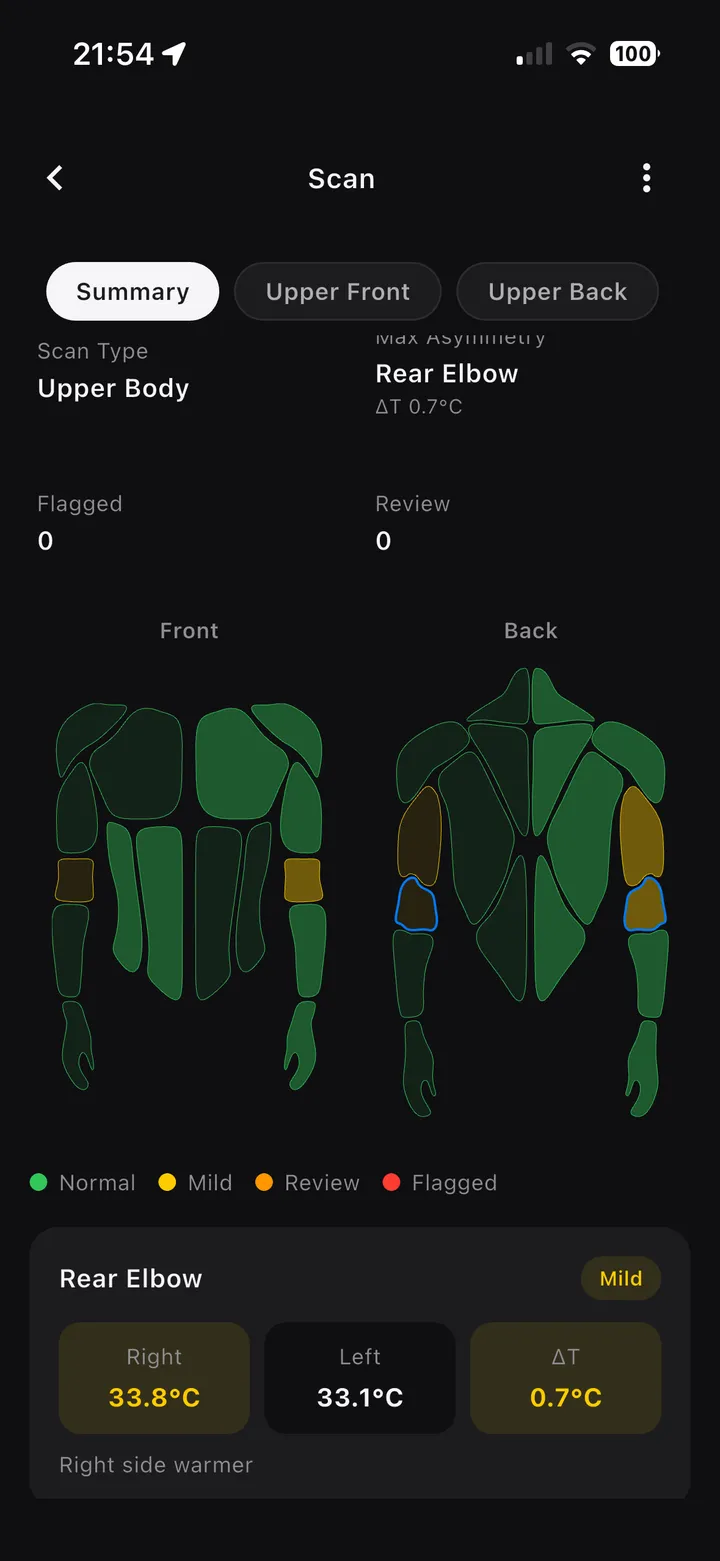
Every region, side by side.
Each scan maps the body into regions and compares left against right. The asymmetry that may benefit from review is surfaced, colour-coded and ranked.
- Bilateral ΔT per region
- Front and back body maps
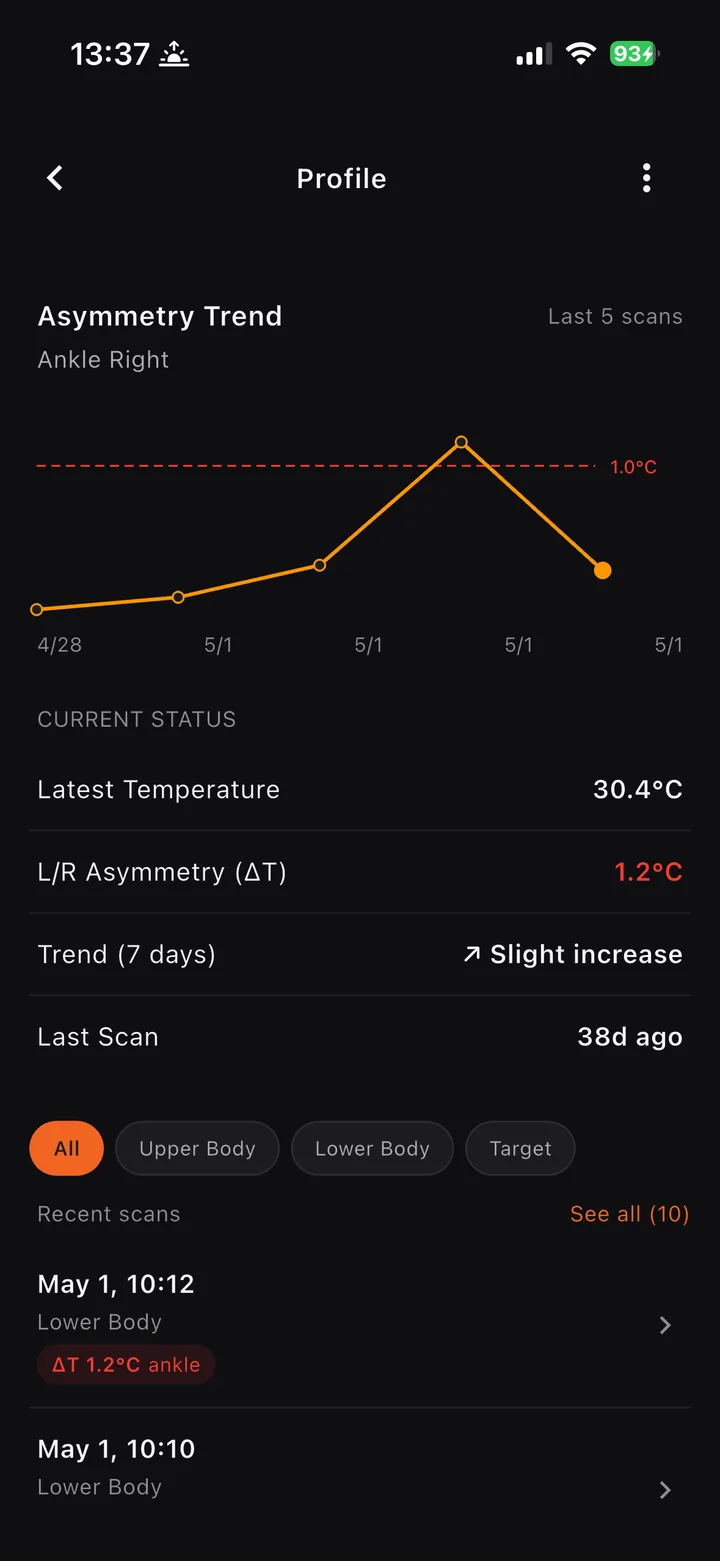
Patterns across the season.
Every region is tracked across sessions, so staff can monitor trends over time instead of seeing only a single day in isolation.
- Per-region trend lines
- Thresholds set with your club
Better insights. Better decisions. Better performance.
Elite performance is built on consistency.
ATS helps coaches and performance staff monitor athlete readiness, recovery and long-term physical trends through objective performance insights. By supporting daily athlete monitoring, it surfaces information that can help optimize training strategies and athlete management throughout the season.
More informed decisions. More athlete availability. Better performance.
- Monitor athlete readiness and recovery trends
- Support workload management throughout the season
- Track changes over time with objective data
- Strengthen communication between coaches and performance staff
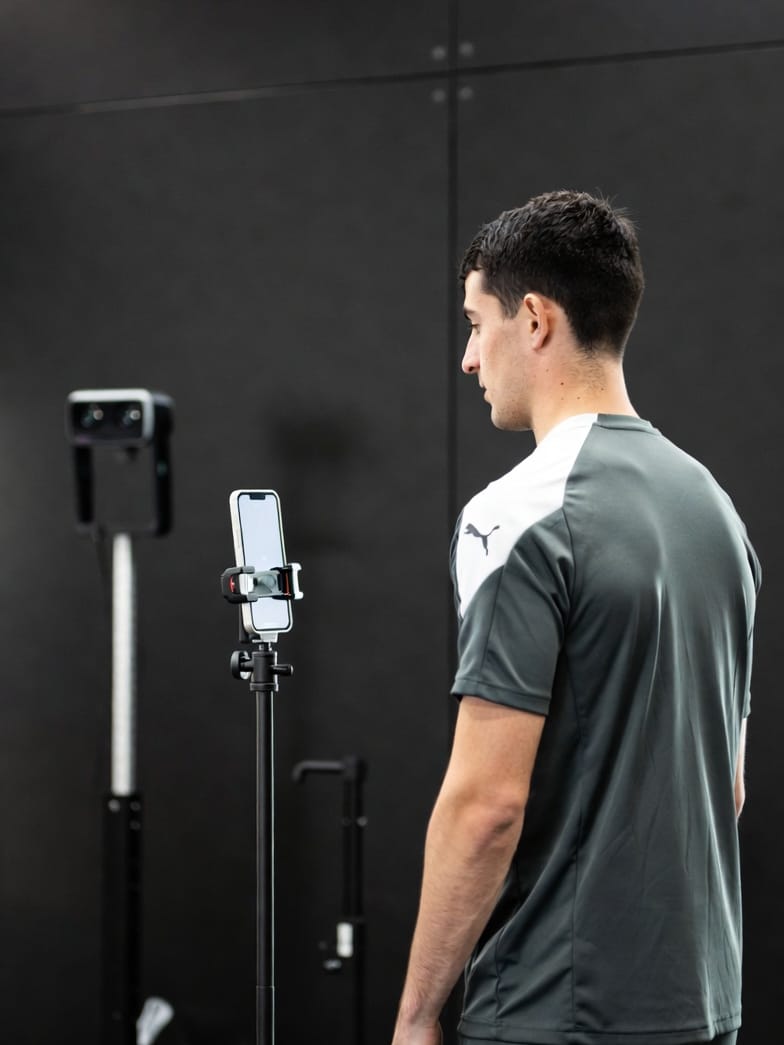
Daily athlete monitoring
A quick and standardized athlete monitoring process integrated into everyday performance routines.
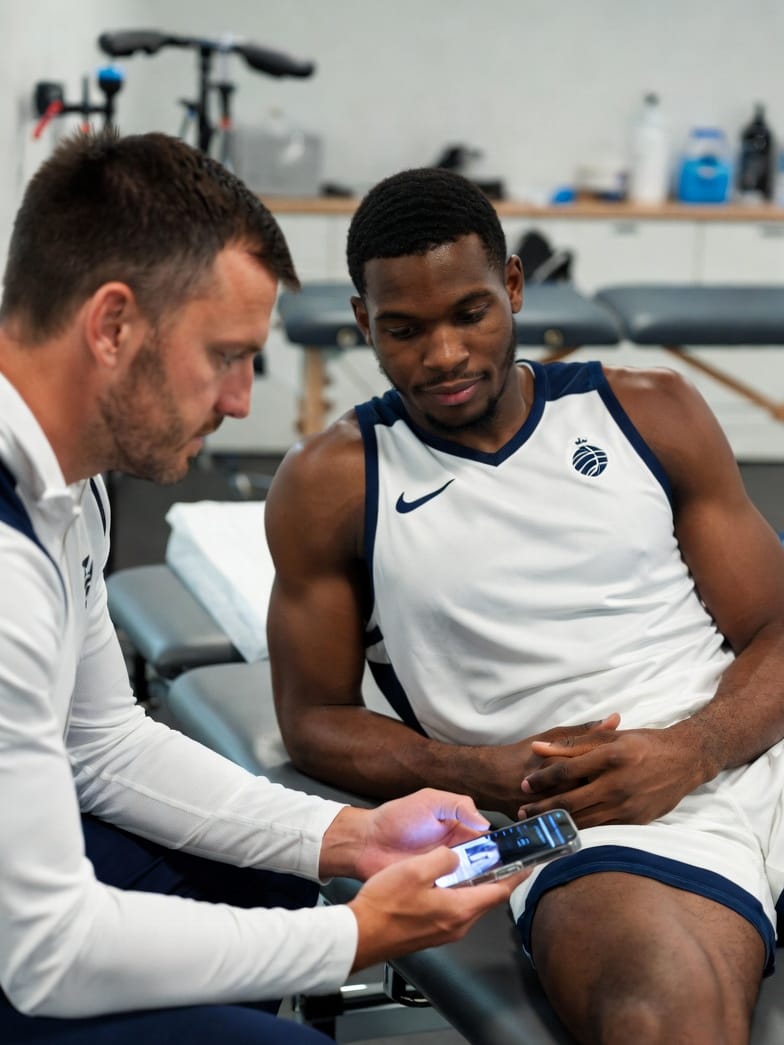
Objective performance insights
Transform athlete monitoring data into clear and actionable performance information.

Support smarter athlete management
Align your coaching staff around shared goals. Turn performance insights into actionable steps to optimize training.
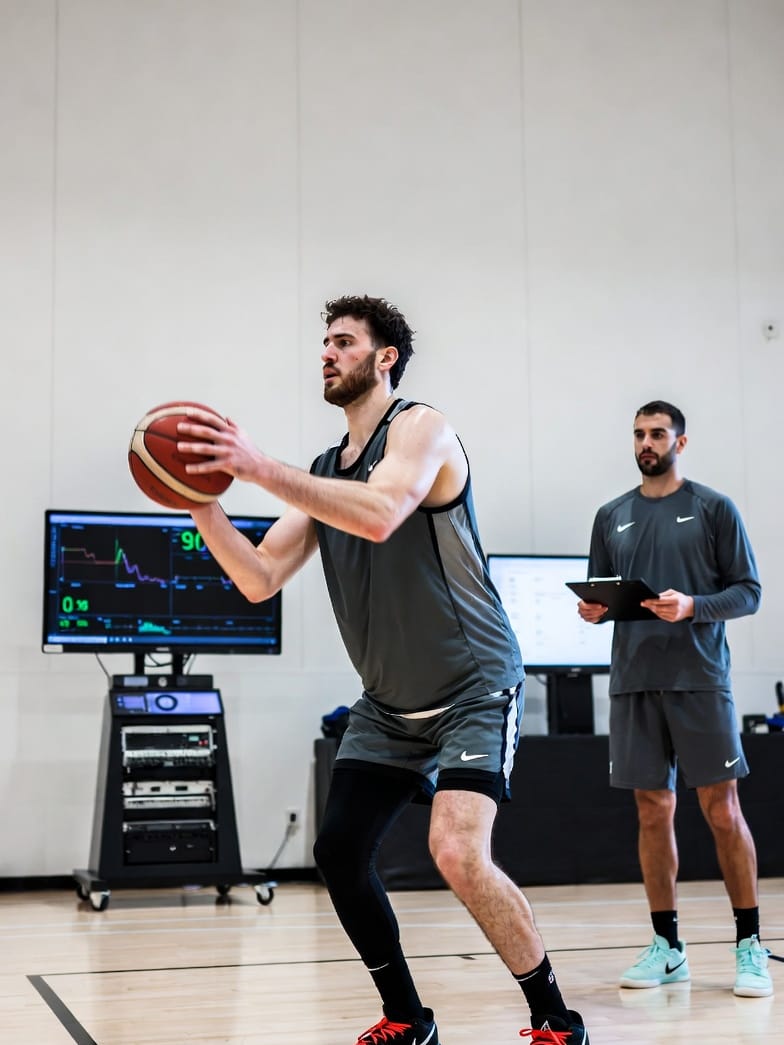
Built for long-term performance
Maintain peak competitive form throughout the entire season. Adjust workload intensity and ensure your team performs at the highest level.
Bring ATS to your performance staff.
We run pilots with a small number of clubs each season. Tell us how your staff works today and what you want thermal data to add.